SketchPad – Doodle & Draw
Kaffeine Software
Downloads
1,000,000+
Version
Latest
Click to download now, finish the installation quickly, and directly unlock the all-round experience
Screenshots
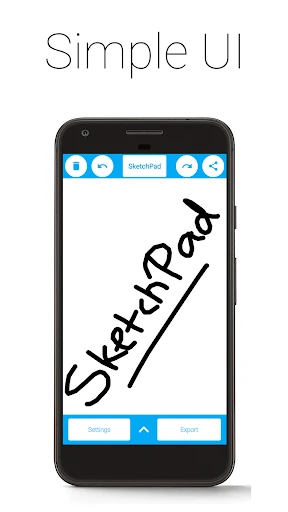
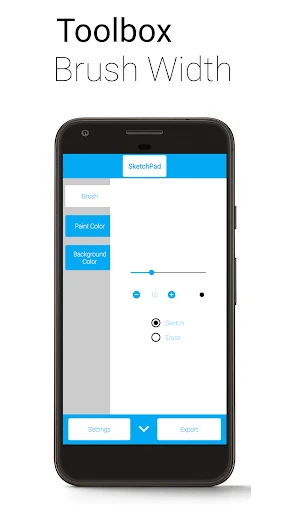
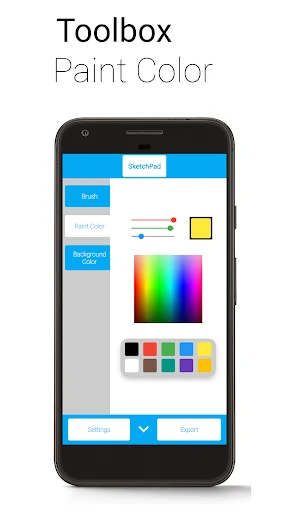
Click to download now, finish the installation quickly, and directly unlock the all-round experience
SketchPad – Doodle & Draw is a straightforward Android canvas for casual doodles, rough ideas, free-form sketches, and longer drawing sessions. It suits anyone who wants a digital notebook for drawing without setting up an account or working through a busy social feed. The app is developed by Kaffeine Software and has more than 1,000,000 installs, with a 4.34 rating from 2,581 reviews.
The drawing area supports brush, airbrush, line, fill, and eraser tools. You can change brush size while working and choose colours through palettes, a spectrum selector, RGBA controls, or a HEX colour value. Undo and redo are available for refining a drawing, with the number of steps limited by your device rather than a fixed short history.
SketchPad can export drawings as PNG files and save them to your device. You can also pass a finished sketch to other apps for sharing. The core drawing experience works offline, while sharing may depend on the connection and app you use.
There are no sign-ups, public uploads, or required social interactions. Drawings remain on the device, and storage access is used to save sketches. The app is free to use with ads, with an option to remove them through a one-time purchase. It is a practical choice for children, beginners, hobby artists, or anyone who wants to open a blank canvas and start drawing immediately.