Click to download now, finish the installation quickly, and directly unlock the all-round experience
Screenshots

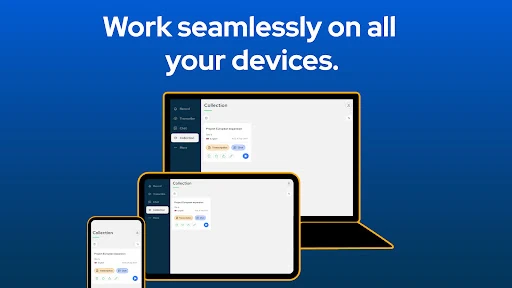
Click to download now, finish the installation quickly, and directly unlock the all-round experience
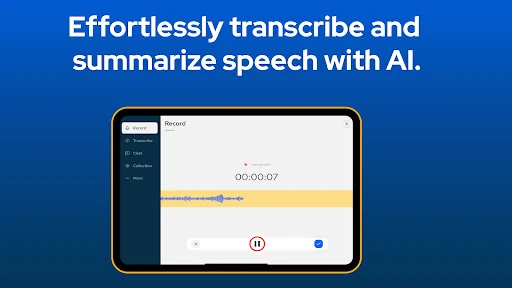
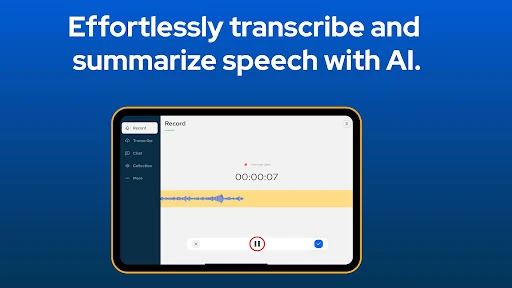
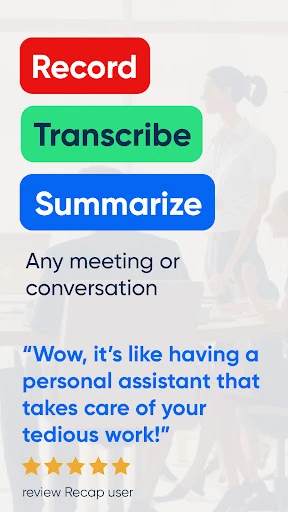
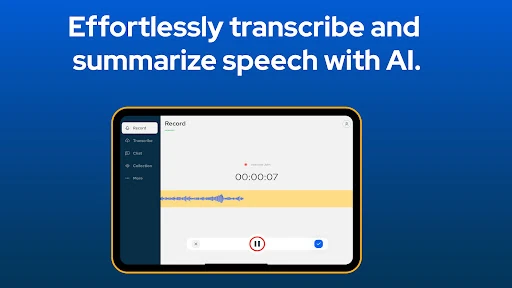
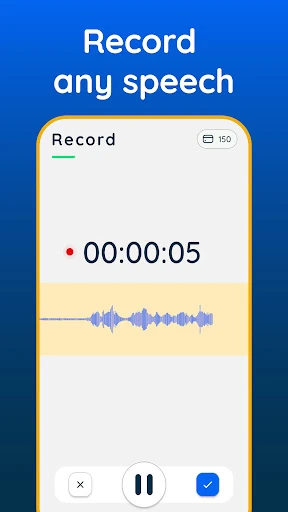
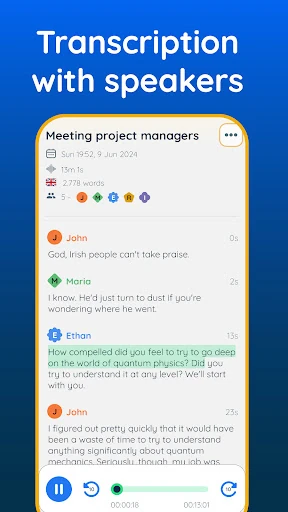
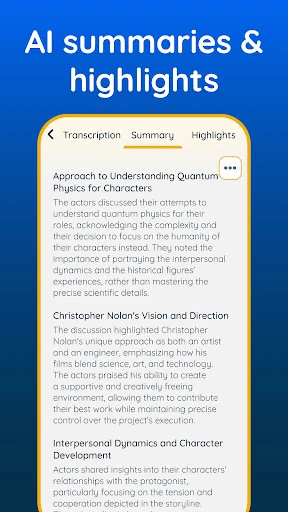
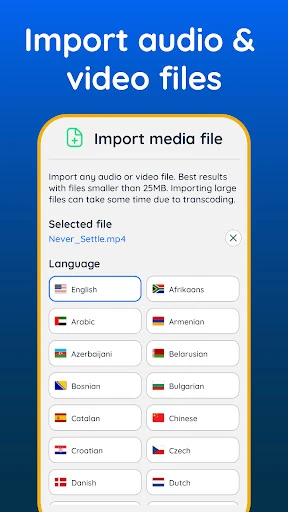
Transcribe audio to text Recap from Appfinity converts spoken audio into written text and creates shorter summaries of the main points. It suits students, meeting attendees, interviewers, journalists, and anyone who needs to review a recording without typing everything out by hand.
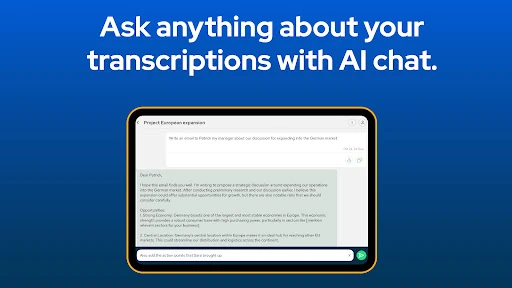
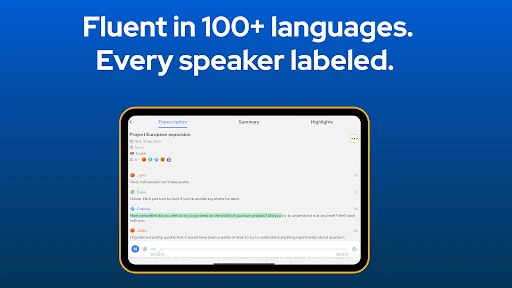
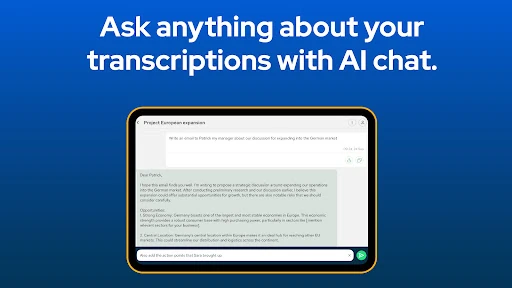
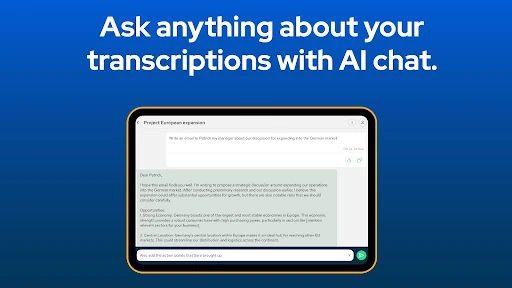
The app is designed to handle the work between an audio recording and a readable set of notes. You can use it for lectures, meetings, interviews, or voice content, then review the resulting transcription and summary in one place. The summary is useful when you want the general conclusions first, while the full text gives you more detail to check later.
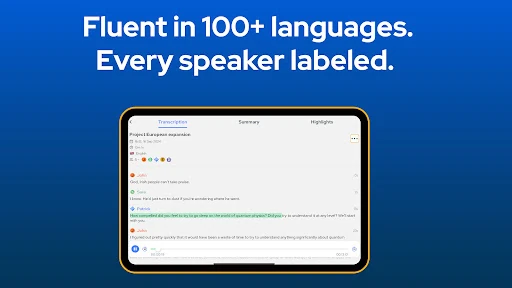
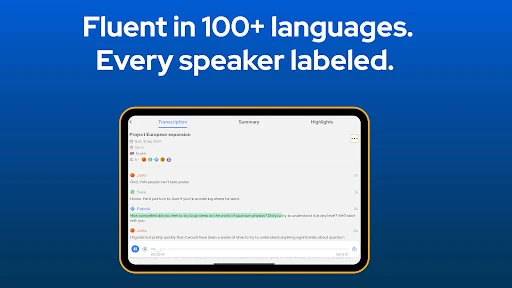
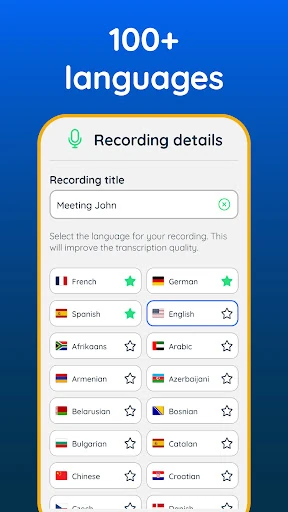
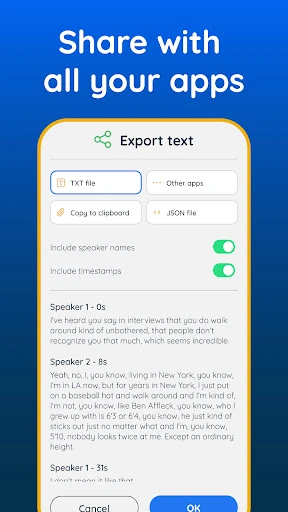
Recap can help when a recording is too long to revisit in full or when taking notes during a conversation would be distracting. Support for multiple languages makes it relevant to a wider range of recordings, although transcription quality can still depend on the audio, accents, background noise, and specialist terminology. An editor also lets you refine the text before sharing it with other people.
With a rating of 3.9 out of 5 from 667 reviews and more than 100,000 installs, the app has an established audience in the Productivity category. It is best viewed as a time-saving assistant rather than a replacement for checking important details: automated transcripts and summaries may need proofreading, especially when several people speak or the recording is unclear.