Click to download now, finish the installation quickly, and directly unlock the all-round experience
Screenshots
Click to download now, finish the installation quickly, and directly unlock the all-round experience
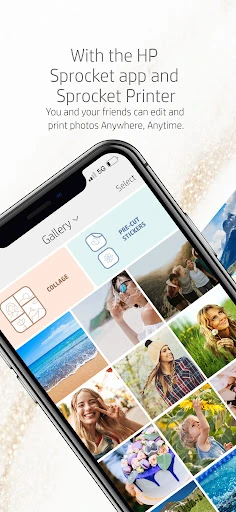
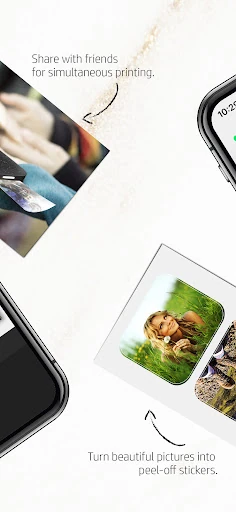
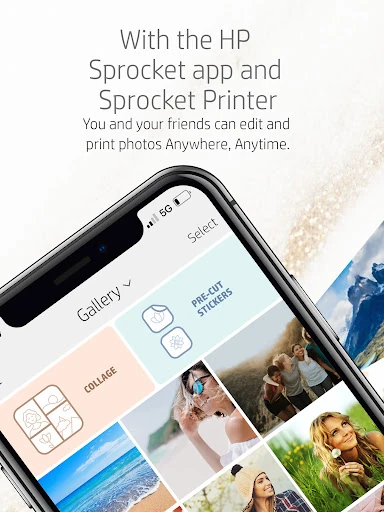
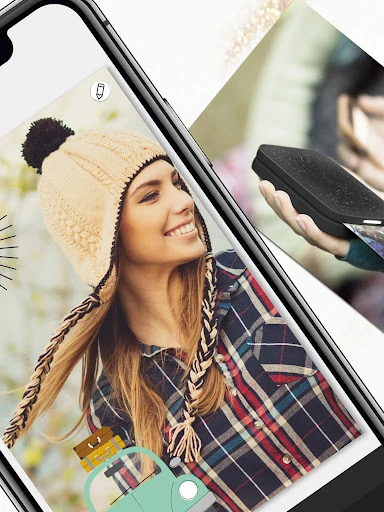
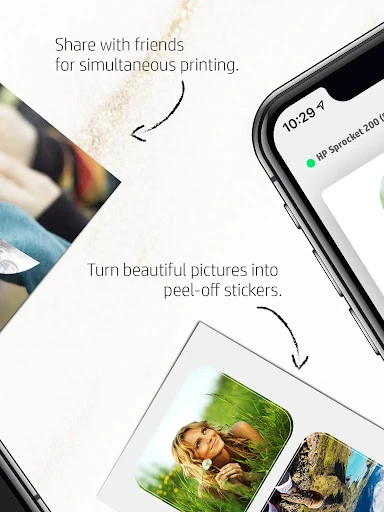
HP Sprocket connects a phone to compatible HP Sprocket printers, letting you choose photos, make simple changes, and turn digital images into physical prints. It suits people who want quick prints for albums, journals, room decoration, events, or everyday keepsakes rather than a full professional photo editor.
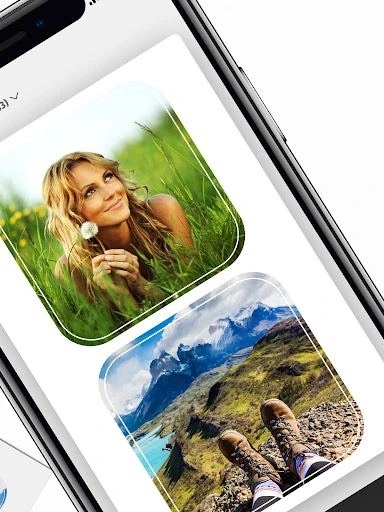
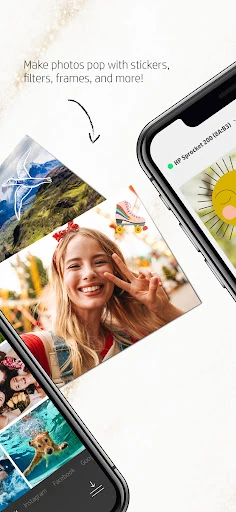
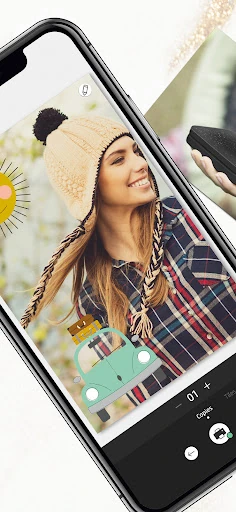
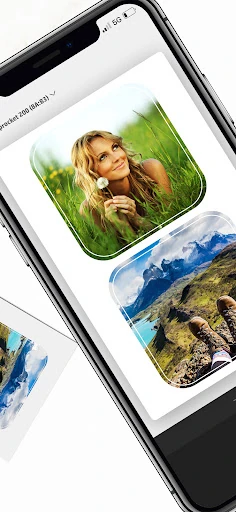
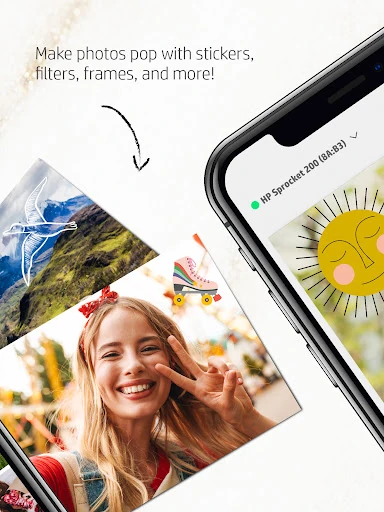
The app can work with images from your phone and supported social platforms, so you can find a photo without moving it through several separate apps. Before printing, you can add elements such as text, borders, and emojis. This makes it useful for small personalised prints, including sticker-backed photo projects, while keeping the editing process approachable for casual users.
HP Sprocket is built around HP’s portable printer range, with support for different Sprocket paper formats, including compact 2-by-3-inch prints and larger options. Its main value comes from the complete phone-to-printer workflow, so it is most useful when you already use compatible HP hardware. It is not intended to replace an advanced retouching or colour-grading app.
The app is published by C&A Marketing Inc. and has reached 1,000,000+ installs. Its current rating is 3.52 out of 5 from more than 18,241 reviews, giving prospective users a broad set of opinions to consider. If you prefer physical photos and want basic creative tools alongside mobile printing, HP Sprocket is focused on that specific use.